
KICK START PRODUCTION
SKILLS IN THE
MUSIC CLASSROOM
First Tracks
Create, record, mix & remix—no studio required.
Designed for students (and teachers) taking their first steps into a Digital Audio Workspace (DAW), this program turns music tech into a fun, approachable, and creative playground. From crafting a personalised ringtone, to building a loop from scratch, producing an energizing dance track, and reimagining music in remix, each session blends hands-on creation with essential music concepts and skills.
With engaging projects, clear step-by-step guidance (and lots of room for student creativity & experimentation), First Tracks empowers every learner to create, edit, and share their own music—no prior DAW experience needed.
Explore each session below and see how First Tracks can transform the way your students engage with music.

First Tracks
Session 1
Ringtones
Create and personalise a ringtone using pitch, texture, and timbre.
Session 2
Loop Lab
Discover the power of layering, quantizing and looping in digital music production.
Session 2
Loop Lab
Students will create and record basic drum grooves using kick, snare, and hi-hat, then apply editing techniques such as copy/paste and quantizing to refine and structure their patterns. Along the way, they’ll explore the history and influence of multi-track recording, finishing the session with a loop they’ve built entirely from scratch.
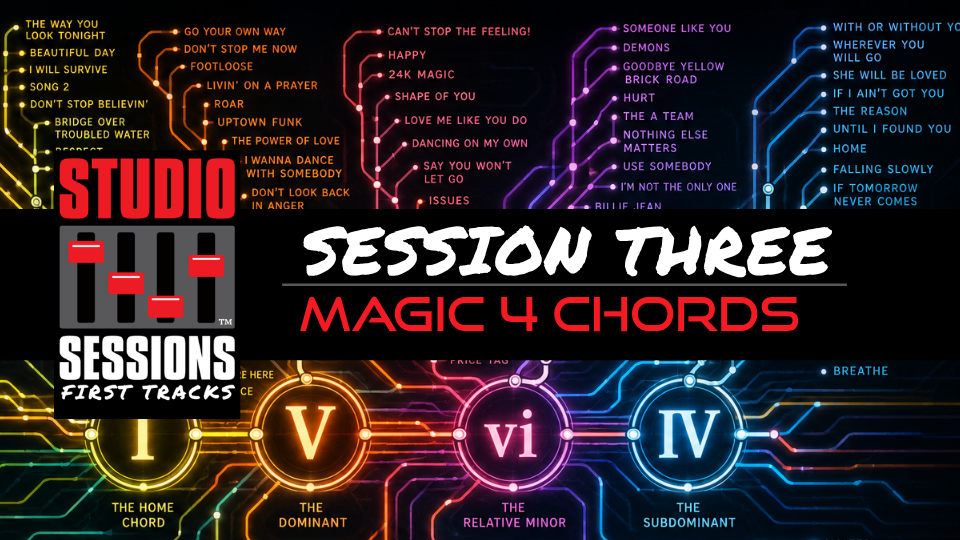
Session 3
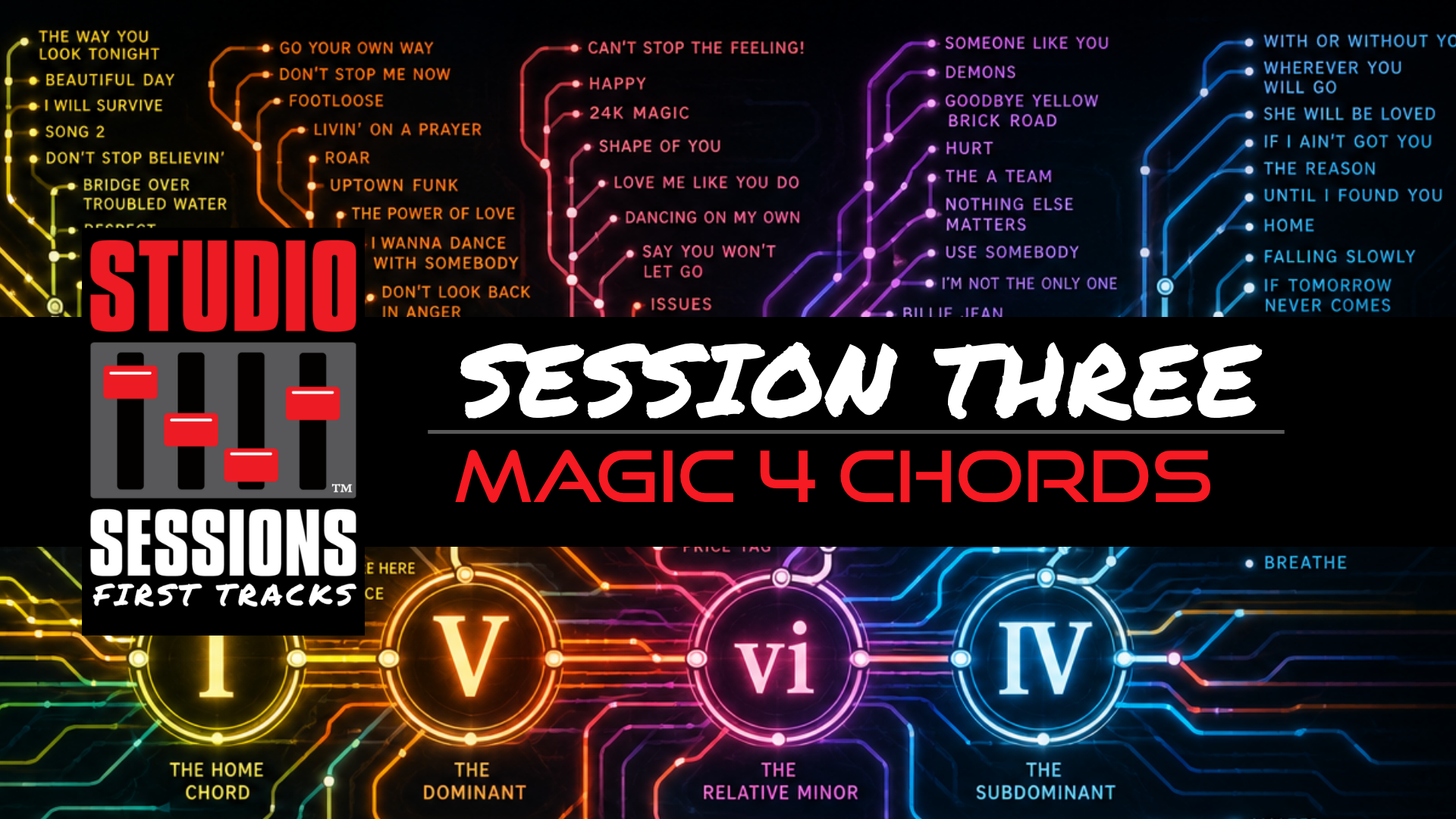
Magic 4 Chords
Four chords. Thousands of songs. Endless possibilities.
Program Features & Outcomes

5 engaging sessions introducing the foundations of digital music production
Practical skills in recording, editing, arranging, and remixing
Designed for beginners—no prior DAW experience required
Aligned to national and international curriculum standards (ACARA, NESA, NCAS, UK National, and more)
Supports GarageBand, Soundtrap, BandLab, Mixcraft & Garageband iPad
Step-by-step video tutorials and hands-on creative projects
Perfect for Grades 5–9, upper primary & middle school music classrooms
Builds digital literacy, music technology skills, and creative confidence
Software supported in Studio Sessions First Tracks: